
5 Ways to Create a Website in 2026
(Beginner to Advanced Guide)
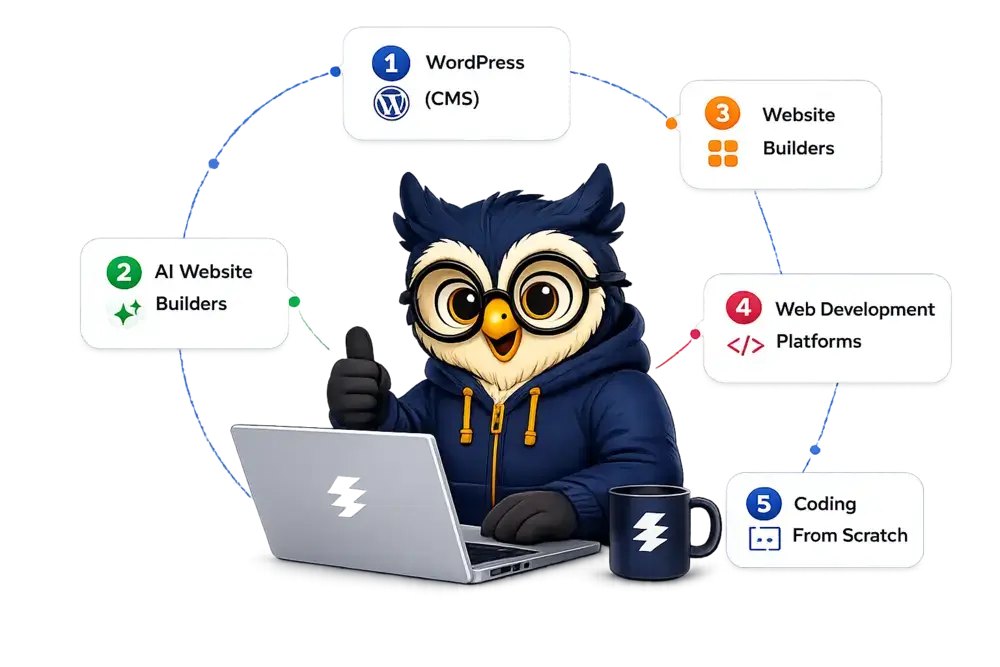
Explore the best ways to build a website in 2026. Compare methods, pros, cons, costs, and find the perfect fit for your goals.
Latest tools & trends
Worldwide readers
Which Is The Best Way To Create A Website?
Here’s a quick comparison to help you choose the right method based on your goals, budget, and skill level.
| Method | Best For | Difficulty | Cost | Time | Flexibility | Ownership | Scalability |
|---|---|---|---|---|---|---|---|
|
WordPress (CMS) |
Business, Blog, e-Commerce |
Medium |
Low-Medium |
1-3 Days |
⭐⭐⭐⭐⭐ |
100% |
⭐⭐⭐⭐⭐ |
|
AI Website Builders |
Quick Website |
Very Easy |
Low-Medium |
10-30 Min |
⭐⭐⭐ |
Limited |
⭐⭐⭐ |
|
Website Builders |
Small Business, Portfolios |
Easy |
Medium |
2-24 Hours |
⭐⭐⭐ |
Limited |
⭐⭐⭐ |
|
Web Development Platforms |
Custom Web Apps |
Hard |
High |
Days-Weeks |
⭐⭐⭐⭐ |
100% |
⭐⭐⭐⭐⭐ |
|
Coding from Scratch |
Developers |
Very Hard |
Low-High |
Weeks-Months |
⭐⭐⭐⭐⭐ |
100% |
⭐⭐⭐⭐⭐ |
Start Your Website with WordPress + Reliable Hosting
If you want a website that can grow, rank on Google, and make money — WordPress is the best choice. It gives you full control, better SEO, and thousands of plugins to build anything from blogs to business websites.
Want Something Simpler?
👉 Try Wix or Squarespace (No coding required)
Want The Fastest Setup?
👉 Build your website with AI in minutes
Content Management Systems (CMS)
WordPress
WordPress is a highly customizable CMS that powers a significant portion of websites on the internet, offering a vast ecosystem of plugins and themes for website creation and management.
Joomla
Joomla is an CMS that provides flexibility and robust features for building websites. It offers a wide range of extensions and templates, making it suitable for creating anything from simple blogs to complex online portals.
Drupal
Drupal is a powerful open-source content management system (CMS) known for its flexibility and scalability, offering extensive customization options for building websites and web applications.
Website Builders
Drag-and-Drop Builders
Drag-and-drop builders like Wix and Squarespace enable users to create websites by simply dragging and dropping elements onto a canvas, without requiring coding skills.
AI-Powered Builders
AI-Powered Builders utilize artificial intelligence to automatically generate personalized websites based on user preferences, streamlining the website creation process.
E-Commerce Builders
Platforms like Shopify and BigCommerce specialize in creating online stores, offering features such as product listings, payment processing, and inventory management.
Web Development Platforms
A software or online services that provide tools, frameworks, and resources to simplify the process of building and managing websites and web applications.
These platforms often offer features such as drag-and-drop interfaces, pre-designed templates, code editors, and deployment tools, allowing users to create websites without extensive coding knowledge.
Examples of web development platforms
Coding From Scratch
Building from scratch using HTML, CSS, JavaScript, and other programming languages is an option for those with coding skills or a desire for complete control over their website.
Frameworks like Bootstrap and libraries like React can streamline development.
A platform to enhance your coding skills is
How To Create A Website (Step-by-Step)
- 1. Choose your platform (WordPress, Builder, AI)
- 2. Buy domain + hosting
- 3. Install or generate your website
- 4. Customize design
- 5. Publish your website

Recommended Hosting for Beginners
Fast secure and beginner-friendly hosting to launch your website with confidence.
- Free Domain
- Free SSL
- AI Website Builder
- LiteSpeed Servers
- 24/7 Live Support

Starting From $2.99/mo
Renews at regular pricing.
Next Steps To Grow Your Website
How To Start A Blog In 2026
Learn how to start a professional blog from scratch, choose the right niche, and turn your blog into a long-term income source.
Best Web Hosting Services (2026)
Compare the top hosting providers based on speed, pricing, uptime, and support to choose the best hosting for your website.
How To Make Money From Your Website
Discover proven ways to earn from your website using affiliate marketing, ads, sponsored content, and digital products.
WordPress Setup Guide For Beginners
Step-by-step guide to install WordPress, choose the right theme, add plugins, and launch your website successfully.
FAQs
1. What is the easiest way to create a website?
The easiest way is using website builders or AI tools. Platforms like drag-and-drop builders or AI website creators allow you to build a website without any coding skills.
👉 If you want simplicity → use Website Builders
👉 If you want speed → use AI Builders
2. Which is the best platform for beginners?
The easiest way is using website builders or AI tools. Platforms like drag-and-drop builders or AI website creators allow you to build a website without any coding skills.
👉 If you want simplicity → use Website Builders
👉 If you want speed → use AI Builders
3. Can I create a website without coding?
Yes, you can easily create a website without coding using:
- Website builders (Wix, Squarespace)
- AI website builders
- WordPress with page builders
👉 Most modern websites are built without coding.
4. How much does it cost to create a website?
The cost depends on the method:
- Website Builders: ₹500–₹1500/month
- WordPress + Hosting: ₹2000–₹5000/year
- Custom Coding: Higher, depending on the developer
👉 WordPress is usually the most cost-effective option.
5. How long does it take to build a website?
- AI Builders: 5–10 minutes
- Website Builders: 1–2 hours
- WordPress: 1 day (beginner)
- Coding: Several days to weeks
👉 Fastest option = AI builders
6. Is WordPress better than Wix or Squarespace?
Yes, WordPress is better for long-term growth.
- More flexible
- Better SEO
- Full ownership
👉 Wix/Squarespace are easier, but limited.
7. Can I create a website for free?
Yes, but free websites come with:
- Ads
- Limited features
- No custom domain
👉 For serious use, paid hosting is recommended.
8. What do I need to create a website?
You need:
- Domain name (your website name)
- Hosting (where your site lives)
- Platform (WordPress, builder, or AI tool)
👉 That’s it. Everything else is optional.
9. Which method is best for making money online?
👉 Best option: WordPress
Because:
- You can add ads
- Sell products
- Do affiliate marketing
- Full control over monetization
10. Should I use AI to build my website?
AI is great for:
- Quick setup
- Beginners
- Testing ideas
But for long-term growth and SEO, WordPress is better.