

- October 2026
Google Sites Review (2026): Features, Pros & Cons
Google Sites is a free website builder that lets you create and publish simple websites without coding or managing separate hosting. In this review, we’ll explore its features, ease of use, customization options, limitations, and alternatives to help you decide whether it’s the right choice for your website.
- Free Website Creation
- Simple Drag-and-Drop Editing
- Google Workspace Integration
- Pros, Cons, and Alternatives
Discover what Google Sites does well, where it falls short, and whether it offers enough flexibility for your website needs.
Google Sites at a Glance
Google Sites is a free website builder that helps users create and publish simple websites without coding or managing separate hosting.
Main Advantage
Completely Free Website Building: Create and publish websites without paying for a separate website builder subscription.
Main Consideration
Limited Customization: Design options, advanced functionality, and ecommerce capabilities are more restricted than on many dedicated website builders.
Best For
Simple Websites and Team Projects
Suitable for portfolios, school projects, internal team sites, and basic business information pages.
Design Tools
Simple Visual Editor
Arrange text, images, layouts, buttons, and embedded content using a straightforward editor.
Integration
Google Workspace
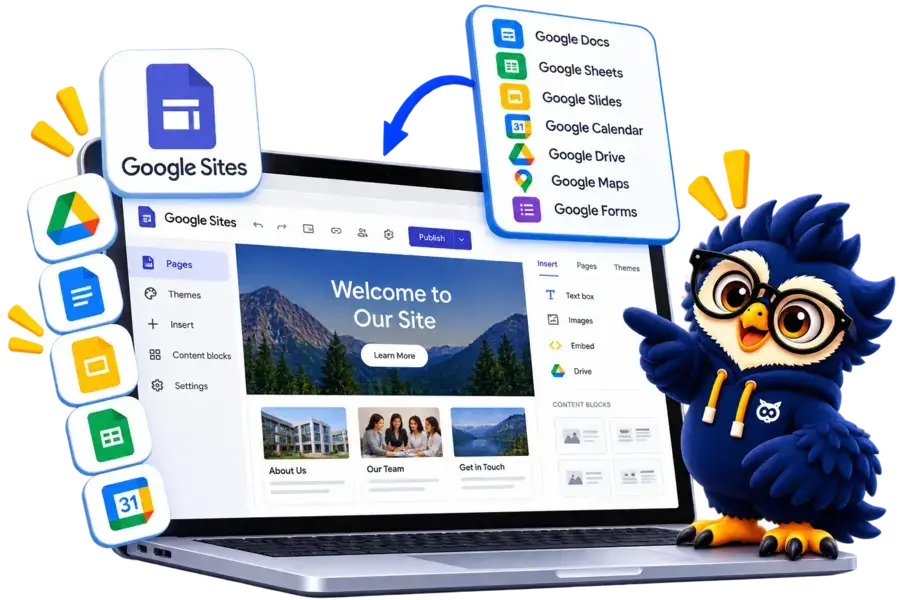
Embed or connect supported Google Docs, Sheets, Slides, Forms, Calendar, Maps, and Drive content.
Hosting
Managed by Google
Publish your site on a Google Sites address or connect a custom domain using supported settings.
Google Sites Website Builder
Create a free website with an easy-to-use editor, Google Workspace integrations, and simple publishing tools.
10Web Alternative
Hostinger AI
Best for design flexibility
A visual website builder with extensive templates, drag-and-drop editing, and AI-powered design tools. A good choice if you want more creative control.

Wix
Best for website design
Wix offers an intuitive website builder with customizable templates, drag-and-drop editing, AI-powered design tools, and built-in business features.